01
Remote control
Open, close or adjust the valve through the GEYER Smart app while the device is online.
GEYER SMART · GS-V02 · SMART WI-FI WATER VALVE
Smart Wi-Fi water valve for remote opening and closing, 0–100% valve-position control, schedules, countdown and automations through the GEYER Smart app. Available in three valve sizes with otherwise identical functions.
CHOOSE VALVE SIZE
Select the required pipe size. Only the valve size changes; all remaining characteristics and functions are identical.
CONNECTED ECOSYSTEM
 Amazon Alexa
 Google Home
 Tuya Smart
 Smart Life
WATER SUPPLY · SCHEDULES · REMOTE CONTROL
Open or close the valve remotely, set its opening in 10% steps and combine schedules with smart automations.
Open, close or adjust the valve through the GEYER Smart app while the device is online.
Set the opening from 0% to 100% in 10% increments and view the current value in the app.
Create weekly schedules or use a countdown for automatic valve operation.
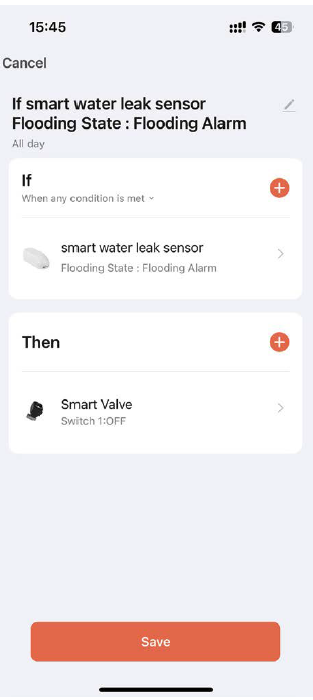
Create a scene with a compatible water-leak sensor so the valve closes automatically when a leak is detected.
POWER SUPPLY · WATER FLOW · WI-FI

GEYER SMART APP
Control valve opening, create schedules, set a countdown and combine the GS-V02 with compatible smart devices through the GEYER Smart app.
Remote control and automations depend on power supply, Wi-Fi, Internet access, cloud services and the settings of connected devices.



APPLICATIONS
Add remote shut-off and scheduled control to a compatible domestic water line.
Control a compatible irrigation line with schedules or adjustable valve opening.
Manage the water supply remotely while the property is unoccupied.
Combine the valve with a compatible smart water-leak sensor to create an automatic shut-off scene.
Valve sizing, thread compatibility, water pressure, installation position and the suitability of the water system must be checked by a qualified installer.
TECHNICAL DATA
The selected code identifies the valve size. Power supply, protection, materials, connectivity and smart functions remain the same for all three versions.
INSTALLATION & PAIRING
Select GS-V02-DN15, GS-V02-DN20 or GS-V02-DN25 according to the pipework and verified installation requirements.
Isolate the water supply and have the valve fitted in the correct flow direction with compatible BSP connections.
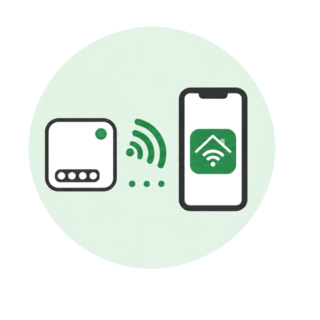
Power the valve, connect the phone to the Internet, enable Bluetooth and hold the manual button for 5 seconds until the blue indicator LED flashes rapidly.
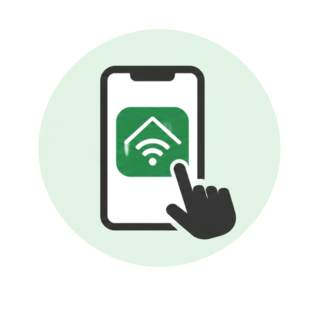
Open GEYER Smart, add the nearby device or select the water-valve category, then follow the steps for a 2.4-GHz Wi-Fi network.
IMPORTANT INSTALLATION INFORMATIONInstallation must be carried out with the water supply isolated and by a qualified installer. IP65 does not permit immersion. Verify valve size, BSP thread compatibility, maximum pressure and ambient temperature before installation. The 5 V / 2 A adaptor and all electrical connections must remain suitably protected.
PRODUCT OVERVIEW
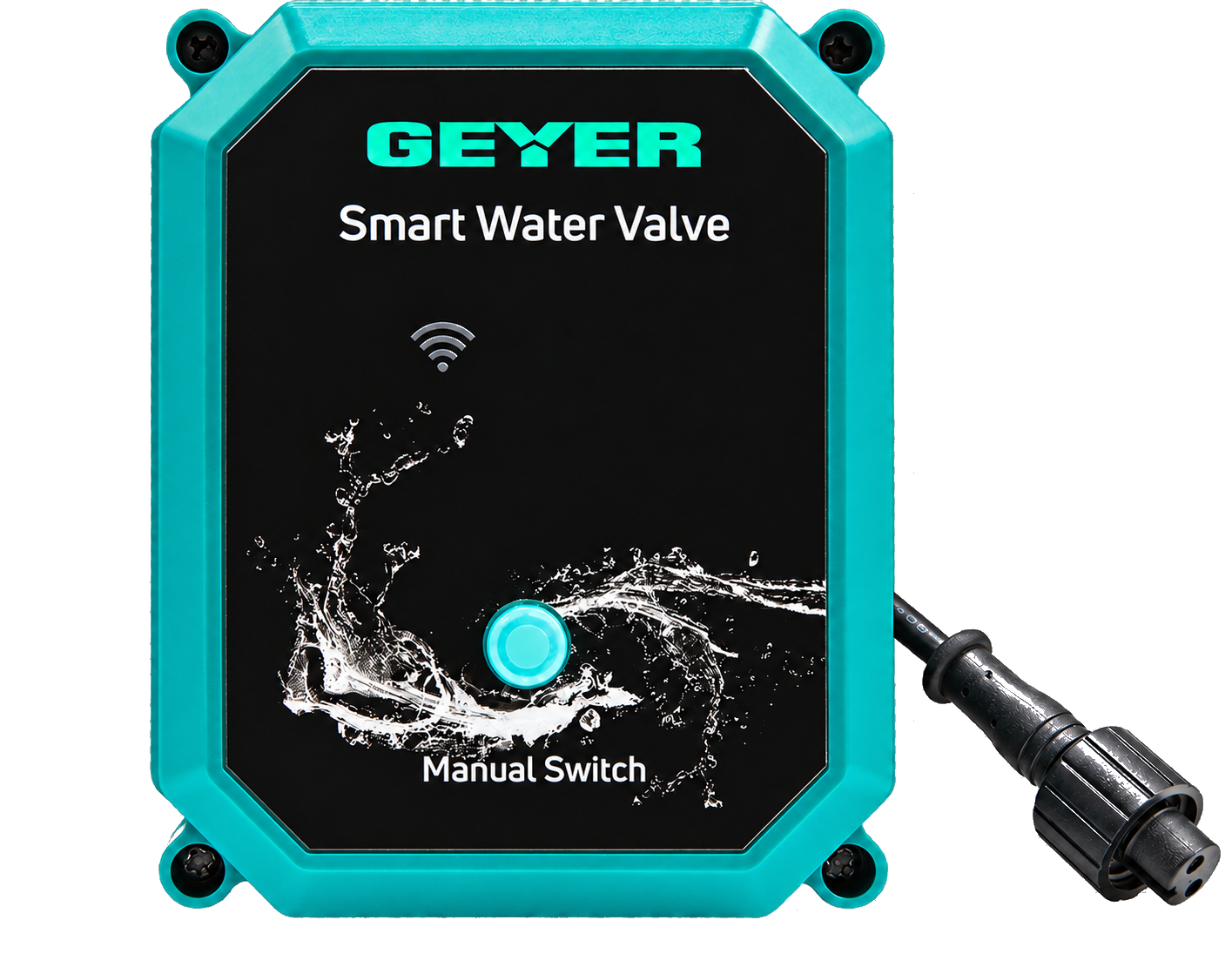
The enclosure includes a manual operating button and Wi-Fi indicator. The stainless-steel valve is available in DN15, DN20 and DN25.
FREQUENTLY ASKED QUESTIONS
Only the valve size: GS-V02-DN15, GS-V02-DN20 and GS-V02-DN25. All other listed characteristics and functions are identical.
Yes. The app supports values from 0% to 100% in 10% increments and displays the current opening percentage.
Yes. A short press of the manual button opens or closes the valve when power is available.
The factory default is automatic closing after a power failure; this setting can be changed in the app.
Yes. A compatible smart water-leak sensor and the valve can be combined in a GEYER Smart automation scene.
The GS-V02 connects to a 2.4-GHz Wi-Fi network and must remain online for remote control and cloud automations.
TESTIMONIALS
Practical irrigation control for homes, holiday homes and hospitality properties.
I installed it on the garden irrigation system and can now activate it from my phone. It is very practical when we are away for several days.
At the holiday home, it was difficult to manage watering when I was not there. With GS-V02, I can activate it and schedule it from my phone.
I use it for the Airbnb garden and have scheduled watering for specific times. This means I do not need to visit the property just for that.
VIDEO
Video content coming soon
GS-V02 DOCUMENTATION