01
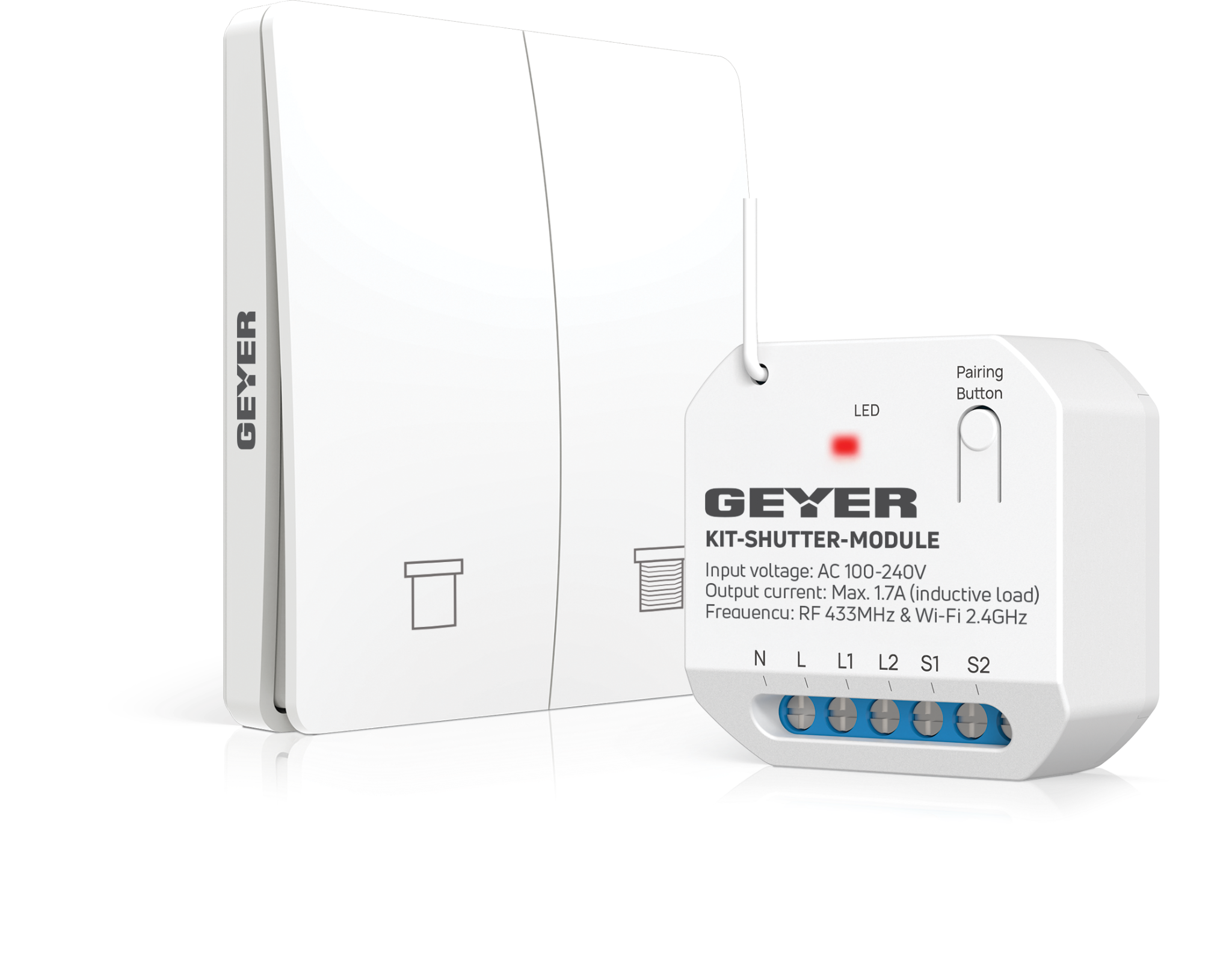
Wireless kinetic switch
Place the included switch where it is convenient. The kinetic switch needs no electrical wiring and no battery.
GEYER SMART · KIT-SHUTTER · WIRELESS SHADING CONTROL
A complete kit combining a Wi-Fi roller shutter module with a self-powered wireless kinetic switch. Add a control point without switch wiring, wall chasing or batteries, and control the shading locally, from the GEYER Smart app or by voice.
CONNECTED ECOSYSTEM
 Amazon Alexa
 Google Home
 Tuya Smart
 Smart Life
WIRELESS SWITCH · SHADING · AUTOMATION
KIT-SHUTTER combines a Wi-Fi shutter controller and a wireless kinetic wall switch that powers itself from each press.
Place the included switch where it is convenient. The kinetic switch needs no electrical wiring and no battery.
Control motor direction locally or remotely and stop the shading system at the desired point.
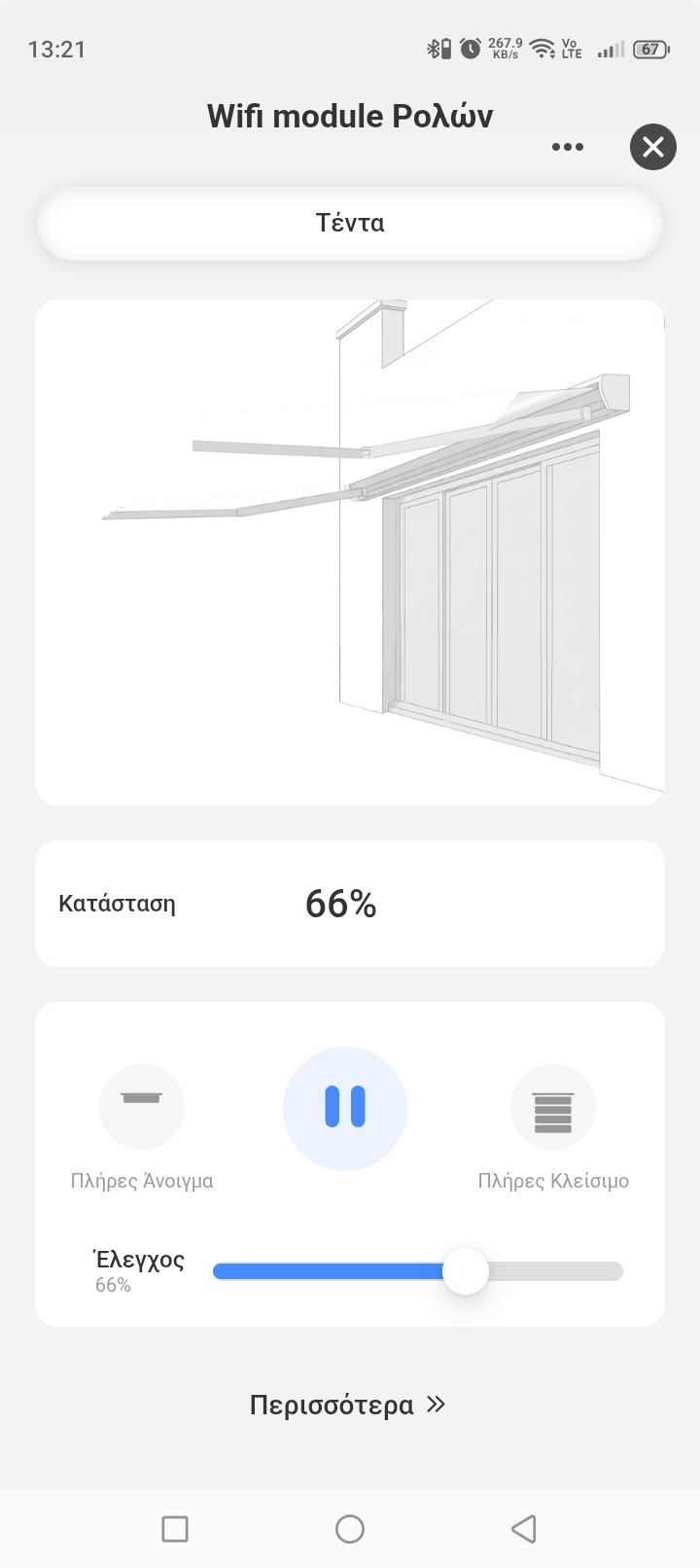
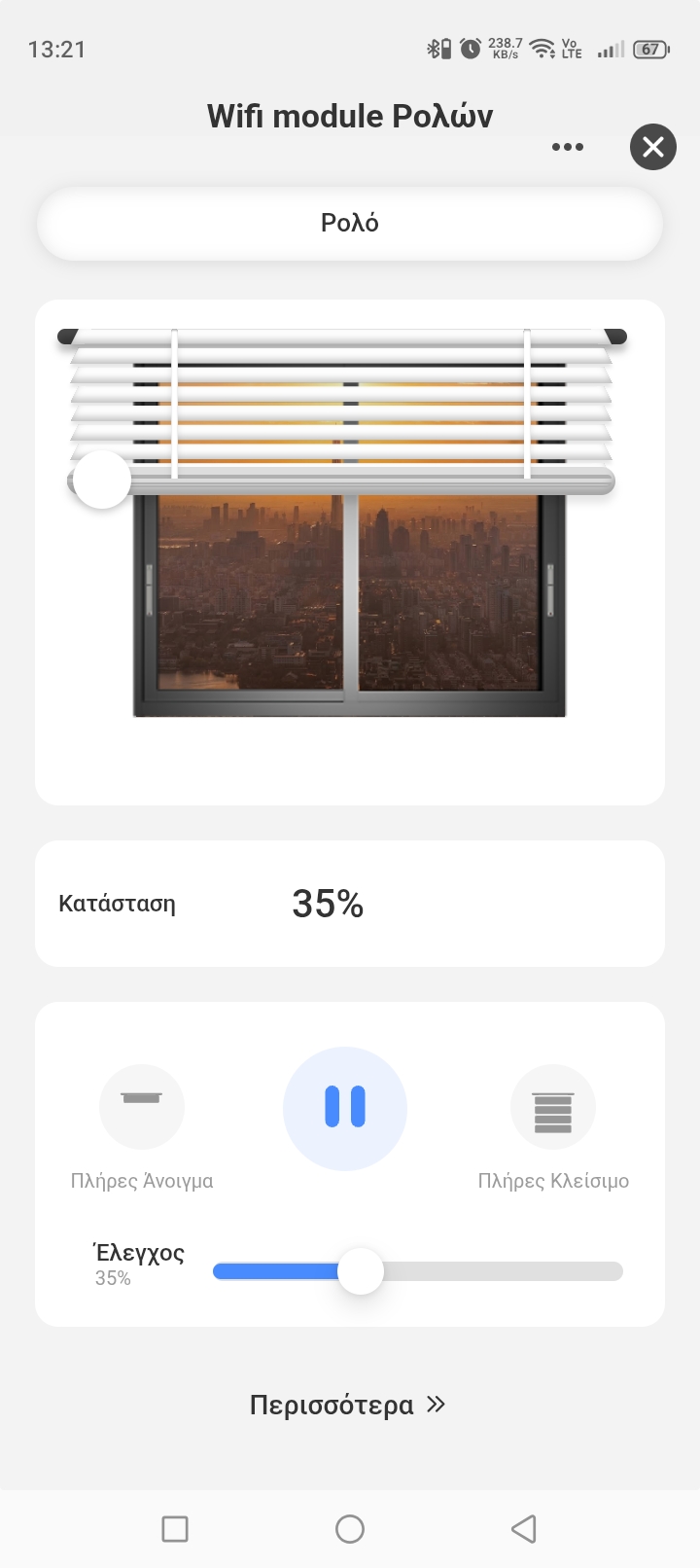
Calibrate travel time so the app can display and set the opening percentage from 0% to 100%.
Create weekly schedules, smart scenes and routines based on sunrise and sunset.
WIRELESS CONTROL KIT

GEYER SMART APP
Open, stop or close the shading system, select the desired position and create schedules and smart scenes from your phone.


APPLICATIONS
Adjust roller shutters to manage daylight, privacy and comfort throughout the day.
Operate a motorized awning remotely and create time-based routines.
Set blinds or shutters to open and close according to your daily schedule.
Automate exterior shading according to operating hours and sunrise and sunset times.
Motor compatibility, required protection and wiring must be assessed by a qualified electrician, who performs installation with the power supply isolated.
TECHNICAL SPECIFICATIONS
Wi-Fi and RF controller with a self-powered kinetic wall switch for flexible local and remote control.
INSTALLATION & PAIRING

Have the controller connected to the motor by a qualified electrician with the power supply isolated. The kinetic switch needs no wiring.
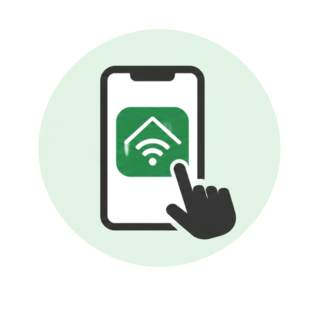
Download GEYER Smart and connect the phone to a 2.4 GHz Wi-Fi network.
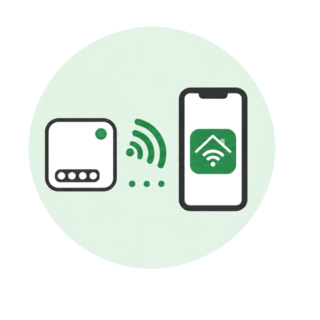
Hold the controller pairing button for 3 s, release it when the indicator flashes slowly, then press a button on the wireless kinetic switch once.
MODULE & SWITCH PAIRING
One module can operate with up to 10 separate wireless switches. One wireless switch can be paired with an unlimited number of modules.
ELECTRICAL SAFETYMotor suitability, protection, conductor selection and wiring must be assessed and completed by a qualified electrician. Isolate the power supply before installation.
KIT WIRING
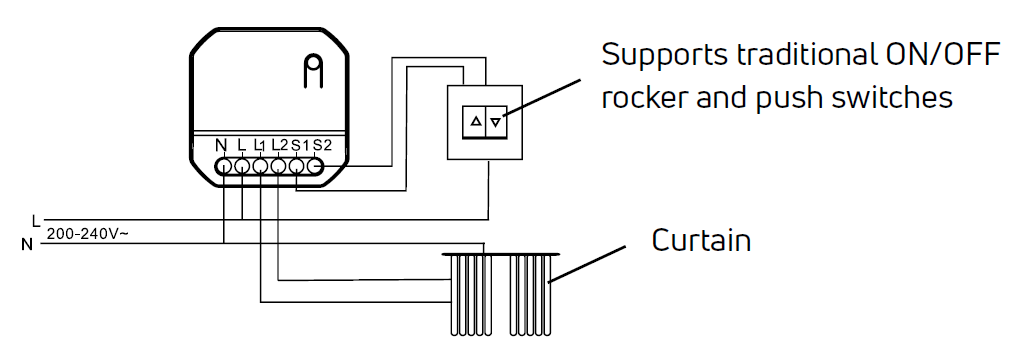
Connect N and L, motor outputs L1 and L2 and, if desired, wired local controls S1 and S2 according to the diagram. The included kinetic switch communicates wirelessly and needs no wiring.
FREQUENTLY ASKED QUESTIONS
No. The included kinetic switch is self-powered by the energy of each press and communicates wirelessly with the controller at 433 MHz.
Up to 10 wireless kinetic switches can be paired with one controller.
Yes. After calibration, the GEYER Smart app can display and set the opening percentage from 0% to 100%.
Yes. Compatible rocker switches or momentary push-buttons can also be connected to S1 and S2.
No. KIT-SHUTTER connects exclusively to a 2.4 GHz Wi-Fi network.
The controller and motor wiring must be installed by a qualified electrician with the power supply isolated. The wireless switch itself needs no electrical wiring.
VIDEO
Video content coming soon
TESTIMONIALS
Wireless local control and smart shading for homes, holiday properties and professional spaces.
GS-SHUTTER solved a difficult renovation where running new cables was not possible. It was installed behind the existing switch and made the roller shutter smart.
With KIT-SHUTTER I added a second control point for the roller shutter without chasing walls and without a battery. I can now also control it from my phone.
I have scheduled the roller shutters to open in the morning and close in the evening. Even when I am away from the property, I can control them from my phone.
KIT-SHUTTER DOCUMENTATION