01
Remote air-conditioner control
Turn the compatible air conditioner on or off, change the setpoint and select operating functions through the GEYER Smart app.
GEYER SMART · GS-THWIR · WI-FI IR AIR-CONDITIONER THERMOSTAT
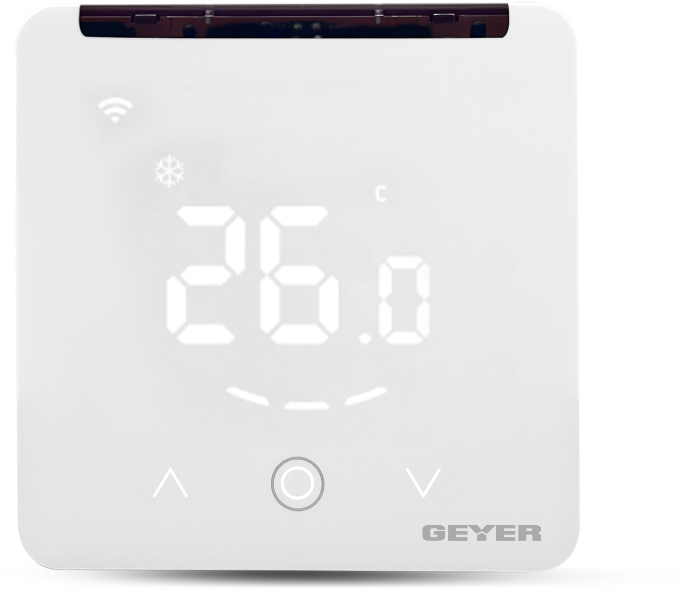
Wall-mounted Wi-Fi thermostat and air-conditioner controller with infrared control for compatible split-type air conditioners, with remote control, temperature and humidity display, operating modes and scheduling through the GEYER Smart app.
CONNECTED ECOSYSTEM
 Amazon Alexa
 Google Home
 Tuya Smart
 Smart Life
TEMPERATURE · AIR CONDITIONING · AUTOMATION
GS-THWIR receives commands over Wi-Fi and converts them to infrared signals for compatible split-type air conditioners.
Turn the compatible air conditioner on or off, change the setpoint and select operating functions through the GEYER Smart app.
In the IR Thermostat app, select the air-conditioner brand, test the available commands and download the matching infrared code to GS-THWIR.
Choose cooling, heating, fan, automatic or dehumidification mode, subject to the functions supported by the air conditioner.
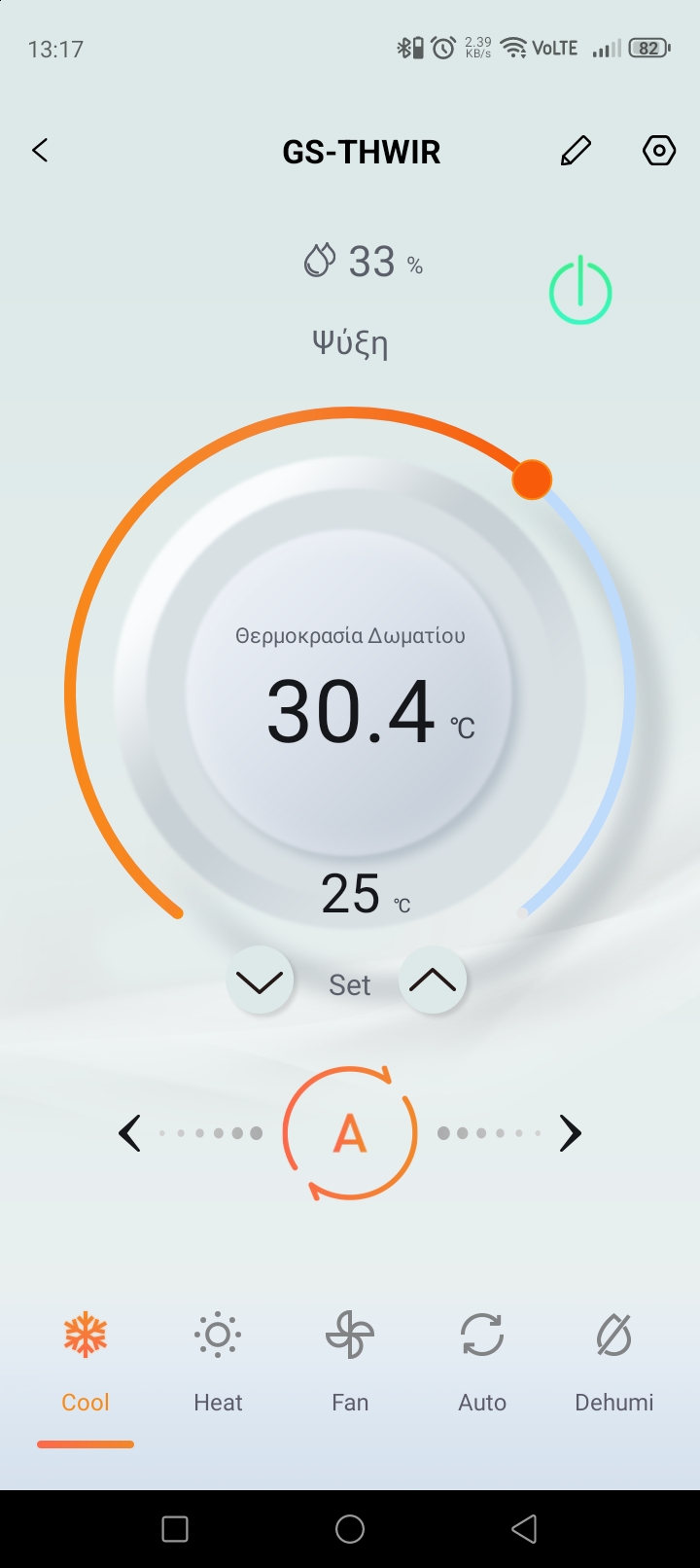
View room temperature and relative humidity on the thermostat and in the app.
WI-FI COMMAND · INFRARED CONTROL

GEYER SMART APP
View room conditions, adjust the setpoint, select a mode and manage supported air-conditioner functions from one screen.



APPLICATIONS
Control a compatible split-type air conditioner and prepare a comfortable room before you arrive.
Adjust cooling or heating remotely and maintain comfortable working conditions.
Manage compatible air conditioners in shops, guest rooms or hospitality spaces.
Check room conditions and control the air conditioner remotely before arrival.
Compatibility depends on finding a matching infrared code for the specific air-conditioner brand and model. The infrared path between GS-THWIR and the indoor unit must remain unobstructed.
TECHNICAL SPECIFICATIONS
A wall-mounted Wi-Fi thermostat and controller that converts app commands into infrared signals for compatible split-type air conditioners.
INSTALLATION & PAIRING

Mount GS-THWIR indoors with a clear infrared path towards the air conditioner and supply it from a suitable 5 V USB Type-C source.
Install the IR Thermostat app, enable Bluetooth, select the air-conditioner brand, test the commands and download the matching infrared code to GS-THWIR. Keep the devices within 7 m during matching.
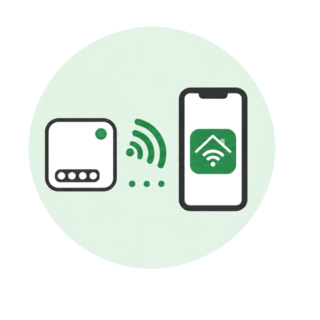
Connect the phone to 2.4 GHz Wi-Fi and add GS-THWIR to the GEYER Smart app for everyday remote control.
PLACEMENT & COMPATIBILITYFor indoor use in a dry environment. Keep the infrared transmitter visible to the air conditioner. Operation depends on a compatible infrared code and the functions supported by the air-conditioner model.
INFRARED SETUP
Use IR Thermostat over Bluetooth once to select and download the appropriate infrared code. Then use GEYER Smart over Wi-Fi for everyday remote control.
FREQUENTLY ASKED QUESTIONS
It supports many infrared-controlled split air conditioners. Compatibility must be confirmed by finding and testing a matching code for the specific brand and model.
No. GS-THWIR is powered by 5 V through USB Type-C and sends infrared commands to the indoor unit.
No. GS-THWIR connects to a 2.4 GHz Wi-Fi network.
Yes. After the matching code has been downloaded, basic supported functions can also be controlled from the local touch keys.
Yes. Relative humidity is displayed in the 0–99% RH range.
Check the line of sight and distance, then repeat infrared matching and test another available code for the brand.
VIDEO
Video content coming soon
TESTIMONIALS
Remote air-conditioning control for homes and professional spaces.
I use it in installations with split air conditioners when the customer wants smart control without replacing the unit itself. Installation and setup are very practical.
I can turn on the air conditioner before guests arrive and adjust the temperature from my phone. This way, the room is ready when they arrive.
I have scheduled the air conditioner to run at specific times during the day. When the opening hours change, I can adjust it immediately from my phone.
GS-THWIR DOCUMENTATION