01
Remote control
Switch on or off through the GEYER Smart app.
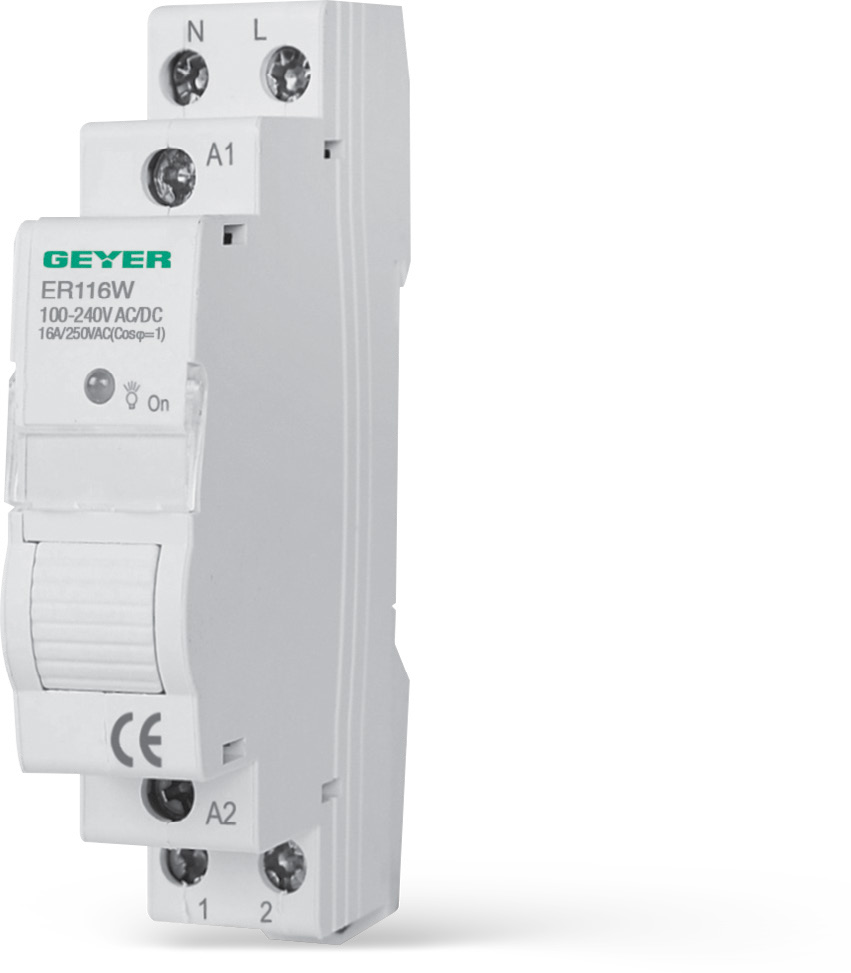
GEYER SMART · ER116W
Smart Wi-Fi relay and timer for remote ON/OFF, flexible schedules and local control through an external push-button.
CONNECTED ECOSYSTEM
 Amazon Alexa
 Google Home
 Tuya Smart
 Smart Life
CONTROL · SCHEDULES · AUTOMATION
The key ER116W functions are available in GEYER Smart, wherever you are.
Switch on or off through the GEYER Smart app.
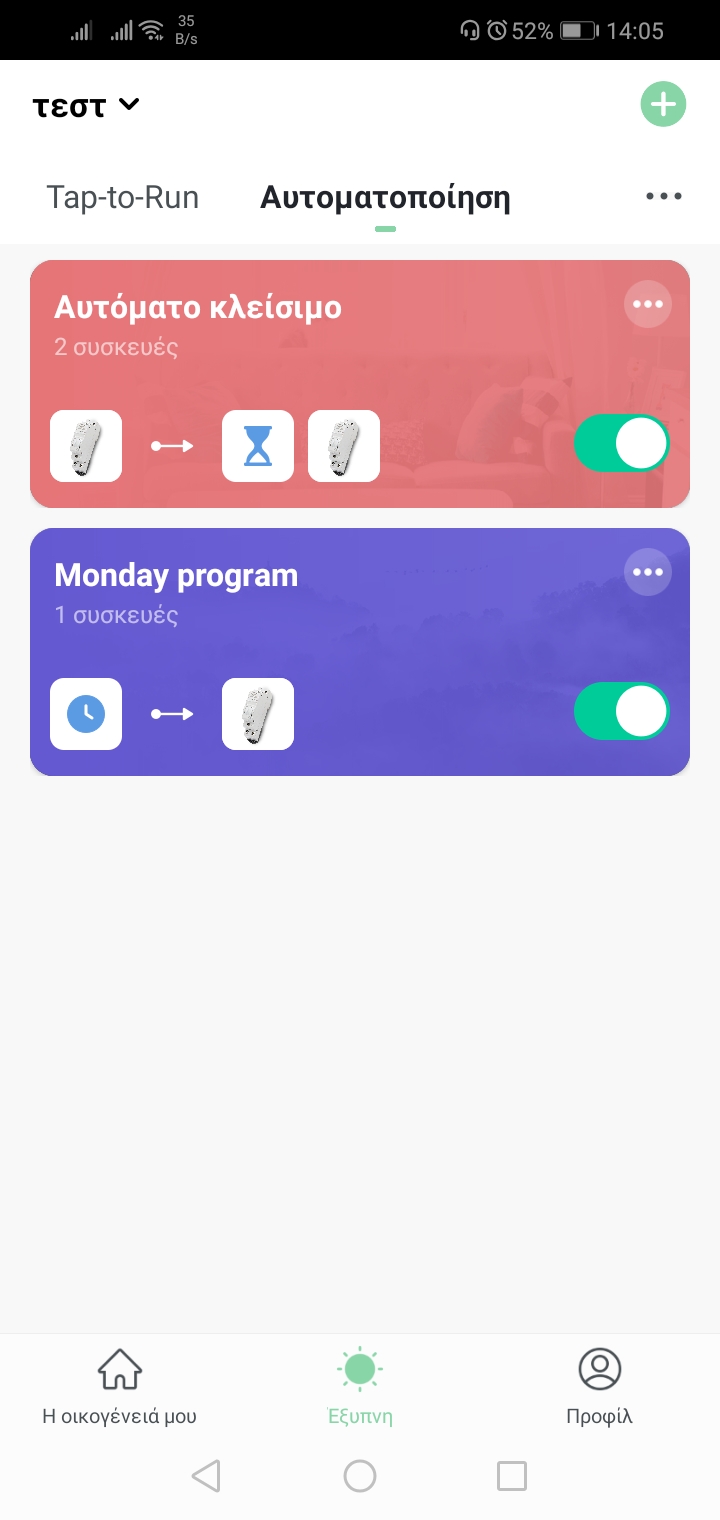
Daily or weekly scheduling through Internet and cloud.
Countdown, cyclic, random and astronomical schedules, plus auto-off.
Local operation with a dry-contact momentary push-button on terminals 3 and 4.
COMPACT SIZE · FLEXIBLE CONTROL

GEYER SMART APP
Create schedules and automations, set auto-off, choose power-restore behaviour and share the device with up to 20 users.



APPLICATIONS
Scheduled operation and remote control.
Lighting-circuit control and operating schedules.
Remote switching of compatible loads.
Control selected circuits from the app.
Every application is subject to the contact rating and the installer's assessment of the load.
TECHNICAL SPECIFICATIONS
Single-channel, one-DIN-module relay with neutral and input for an external momentary push-button.
INSTALLATION & PAIRING
Mount on a 35 mm DIN rail and complete the electrical connection through a suitable electrician.
Install GEYER Smart and connect the phone to a 2.4 GHz Wi-Fi network.
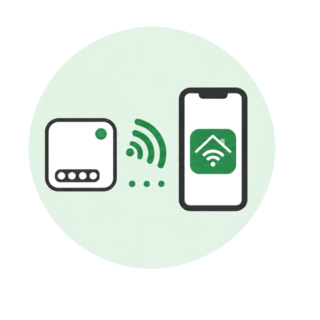
Add ER116W in the app by following the pairing steps.
ELECTRICAL SAFETYInstallation and connection must be performed with the power isolated and in accordance with applicable regulations.
WIRING DIAGRAM
N and L supply the device, terminals 1 and 2 connect to the load output, and terminals 3 and 4 accept an external dry-contact momentary push-button.

FREQUENTLY ASKED QUESTIONS
The official app is GEYER Smart for Android and iOS. Tuya Smart and Smart Life are also supported.
ER116W connects to 2.4 GHz Wi-Fi.
Schedules require Internet and cloud access. Only auto-off works without Internet.
Restore to ON, OFF or the previous state can be selected.
The device can be shared with up to 20 users.
Installation and electrical connection must be performed by a suitable electrician.
VIDEO
Video content coming soon
ER116W DOCUMENTATION